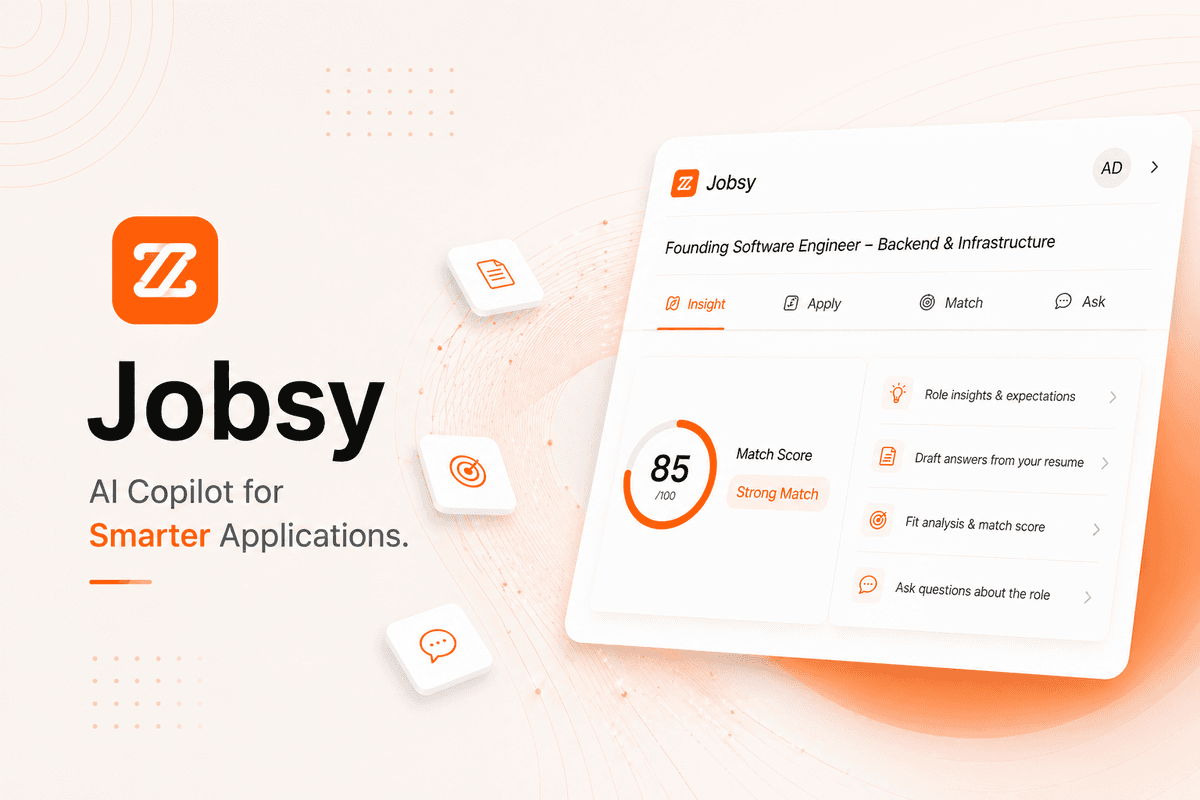
Jobsy extension sidebar on Wellfound job page

Jobsy / Chrome Extension

Links

Timeline

Feb 2026

Tech Stack

TypeScript / React / Tailwind CSS / Chrome Extension (MV3) / OpenRouter API / esbuild

Overview

Jobsy is a Chrome extension that integrates directly into Wellfound and adds an AI copilot to job listings. Instead of switching tabs or manually analyzing roles, users get instant insights, fit analysis, and application assistance inside the page.

The extension appears as a sidebar and works only when a valid job listing is detected, keeping the experience focused and contextual.

Motivation

Applying to jobs is repetitive and time consuming. Understanding role requirements, checking fit, and writing responses often requires switching between multiple tools. Jobsy was built to reduce that friction by bringing everything into a single, fast interface directly inside the job page.

Features

Insights

Breaks down the job into a clear summary so you quickly understand expectations, required skills, and what the company is actually looking for.

Apply

Reads the application form and generates answers using your resume, then helps fill them directly into the page.

Match

Gives a structured fit analysis based on your resume and the job description so you can decide if it is worth applying.

Ask

Lets you ask questions about the role, company, or your fit in a simple chat interface without leaving the page.

How It Works

  • Detects active job listing on Wellfound
  • Extracts structured job data from the page
  • Combines job data with resume context
  • Sends structured prompts to AI
  • Renders responses inside a sidebar UI

Colors, Themes, Fonts

BACKGROUND

SURFACE

SOFT SURFACE

TEXT PRIMARY

TEXT SECONDARY

BORDER

ACCENT ORANGE

ACCENT ORANGE DARK

SUCCESS

ERROR

SPACING

Practical spacing scale (6px – 24px) optimized for forms and panels

RADIUS

Rounded-md (6–8px) used consistently across UI

SHADOW

Very subtle or none, relies on borders and spacing for separation

SYSTEM UI STACK (-APPLE-SYSTEM, SEGOE UI, ROBOTO, ARIAL)

System UI stack (-apple-system, Segoe UI, Roboto, Arial)

GEIST SANS (WEB)

Geist Sans (web)

GEIST MONO (CODE)

Geist Mono (code)

12PX - COMPACT LABELS

12px - compact labels

14PX - BASE

14px - base

16PX - EMPHASIS

16px - emphasis

18PX - HEADINGS

18px - headings

Prerequisites

  • Node.js (LTS recommended)
  • npm
  • Chrome or Chromium browser
  • OpenRouter API key

Installation Guide

1. Install dependencies

terminal
npm install

2. Add API key

terminal
OPENROUTER_API_KEY=sk-or-...

Create a .env file in the project root and add your API key.

3. Build extension

terminal
npm run build:extension

4. Load in Chrome

  • Open chrome://extensions
  • Enable Developer mode
  • Click Load unpacked
  • Select dist/extension folder

Usage

  • Open a job listing on wellfound.com
  • Toggle sidebar using Alt + Shift + M
  • Use Insight, Apply, Match, or Ask tabs
  • Generate and fill application answers
Back